No keySafety checked
+1 Mine Per Click ⛏️ theredka Aug 16 10 views
Paste the code into your execution environment (e.g., developer console or any known Roblox injector).
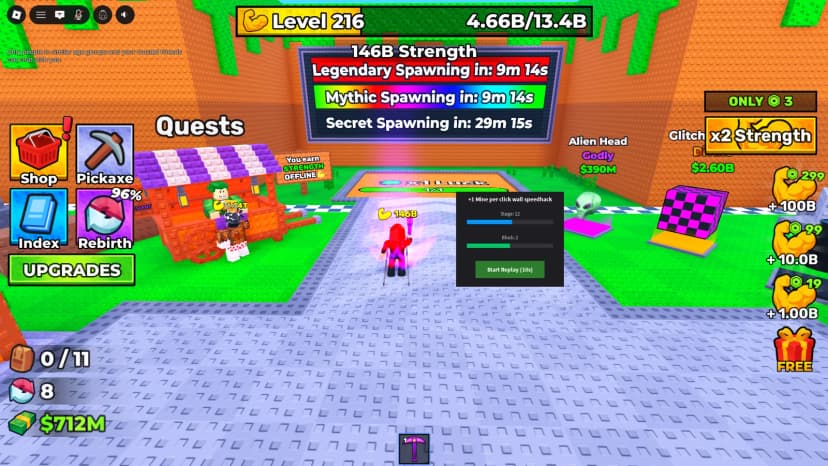
After execution, a graphical user interface (GUI) titled “⚡ Auto Breaker” will appear on your screen.
The control window displays:
Status — shows the current state (Ready, Attacking, Stopped, etc.).
Wall info — in the format Stage-Block (number/99), e.g., Wall: 5-2 (14/99).
Hit counter — total successful hits landed during the current cycle.
“▶ Start” button — launches the automated process.
“⏹ Stop” button — stops the script at any moment.
The window is draggable by its title bar and does not reset on player respawn.
Press “▶ Start”.
The button changes colour and text to “⏳ Running...”, and the status shows “Attacking 1-1”.
The script will begin breaking walls sequentially, starting from stage 1, block 1.
If the Click RemoteEvent is available in the game, a parallel click spam loop will start.
Press “⏹ Stop” at any time.
The process halts, the “Start” button becomes active again, and the status changes to “Stopped”.
On restart, the hit counter and wall number reset to the beginning (1-1).
The script runs in an infinite loop — after all 99 walls are broken, it automatically returns to the first wall and continues.
Minimal delay between hits (~0.03 sec.) ensures maximum speed allowed by the game.
If hits fail (e.g., the wall is already destroyed), the script correctly handles the destruction event and moves to the next wall.
If errors occur (e.g., missing RemoteEvents), warnings will be printed to the console — this helps with debugging.
Press Get Script to open the loadstring right away.
Copy the loadstring from the page that opens.
Join +1 Mine Per Click ⛏️ on Roblox, paste the loadstring into your executor and run it.
+1 Mine Per Click ⛏️
Auto Buy, Auto Collect, Teleport

+1 Mine Per Click ⛏️
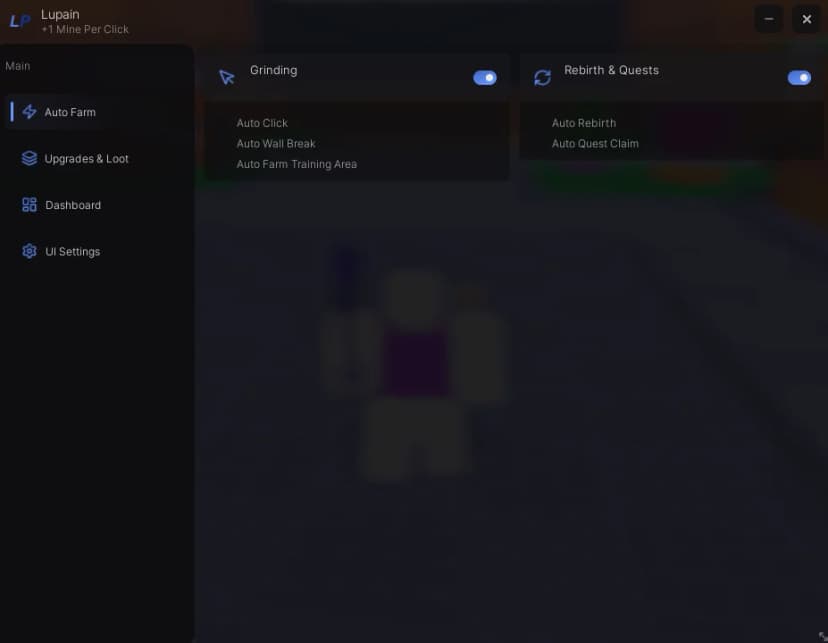
Auto Farm, Auto Mine, Auto Loot, Auto Rebirth +4 more
+1 Mine Per Click ⛏️
Auto Farm, Auto Buy, Auto Click, Auto Collect +8 more
