Catware
A helper for [Anomaly Detected](https://www.roblox.com/games/126096010539917), built on [Obsidian UI](https://docs.mspaint.cc/obsidian/installation/executor) and tested on [Volt](https://docs.voltbz.net).
~~Stare at camera feeds hoping to spot a moved mug~~. Catware reads the game's own anomaly list, so you always know what changed and where.
---
Features
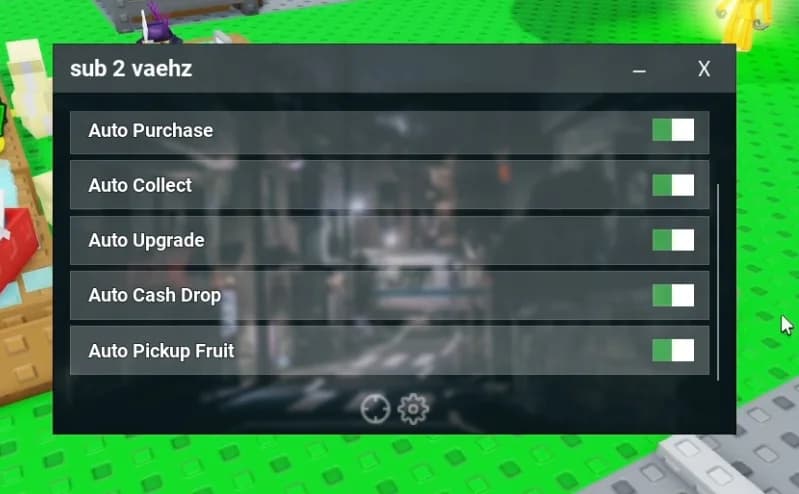
- Live anomaly list: room, type, and seconds before it moves
- Highlights: tints the anomaly's room and the correct report button
- Auto report: files the right report, so it never costs a fail
- Auto start shifts: starts your chapter and difficulty, skips intros, declines the paid review
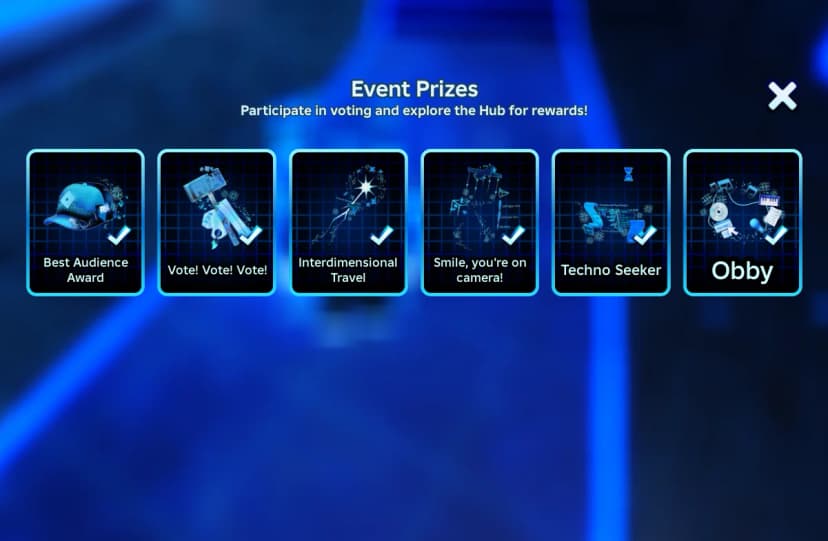
- Badge hunter: earns every badge on its own
- Tutorial Completion
- Clear, Veteran, and Journal 100% for Chapters 1–5
- Journal filler: spawns anomalies you haven't logged yet
- Chat announce: public chat and/or whispers, custom template
- Gamepass toggles: client-side Unlimited fails*, Faster searches*, All chapters
- Guide tab: in-menu instructions
---
Getting started
- Put catware.lua in your executor's scripts folder.
- Join Anomaly Detected and wait for the lobby.
- Execute it; RightShift toggles the menu.
- Turn on Main → Badges → Badge hunter.
---
Chat tags
{anomaly} / {report} (anomaly type), {room}, {time} (seconds before it moves).
---
Good to know
- The server keeps at most 15 new journal entries per shift on Veteran. Catware stops there and continues next shift; ~~capturing the whole journal at once~~ doesn't work.
- Journal at 100% but no badge? Rejoin and Badge hunter picks up what's missing.
- Gamepass toggles only affect your side; the server may not reward locked chapters.
- Tested solo only; co-op is untested*.