No keySafety checked
Sliggy 10d ago 9 views
🚀 Testing Fling & System Control Panel
Lightweight and contemporary utility GUI application, intended for all popular Roblox exploits and Lua executors. Created in modern dark mode UI style and works with all executors (mobile and PC) through universal CoreGui protection.
✨ Features:
Universal Executor Compatibility: Uses environment protection features (gethui, protectgui, etc.) in order to function properly within CoreGui for all current executors.
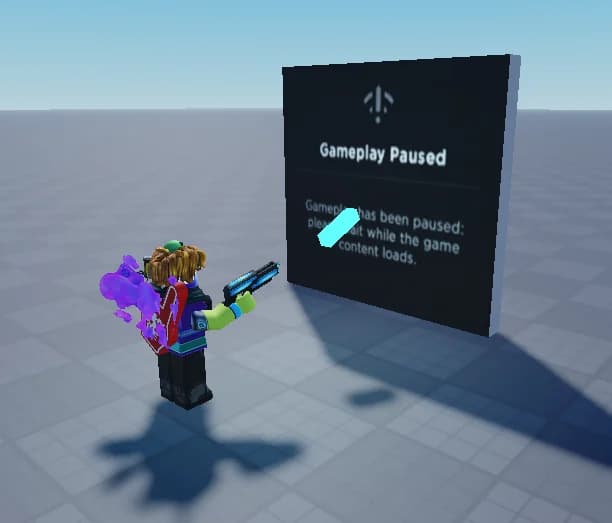
Toggle GameplayPausedNotification: Quick and easy toggling of GameplayPausedNotification for avoiding undesired system overlays.
60K Stud/s Fling Command: Quickly adds AssemblyLinearVelocity vector with a speed of 60K studs per second in the direction you are facing via the camera.
Draggable Modern UI: Contemporary-looking, carefully crafted window with smooth transitions and round corners, which can be easily dragged using mouse/touch.
🔧 Usage:
Simply copy-paste the script into any working executor of your choice while playing Roblox game. Use the toggle to set your pause notification options and execute the fling command by clicking on the button!
Press Get Script to open the loadstring right away.
Copy the loadstring from the page that opens.
Join the game on Roblox, paste the loadstring into your executor and run it.