No keySafety checked
unknown Sep 12 337 views
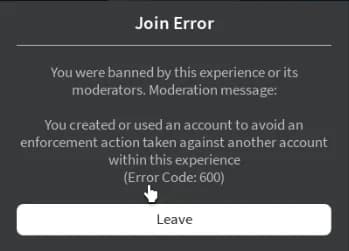
In today's article, I will be giving you step-by-step instructions on how to get around the new Roblox banning API and alt account detection system. Remember that this will not UNBAN any of the banned accounts caught by the banning API, but it will allow you to join the game again on a fresh account without being instantly banned.
Whichever browser your on or whatever method you prefer you need to delete your Roblox cookies.
Once you've deleted all your cookies refresh the page and you'll be signed out. Now you can move onto the next step.
Next, you want to go to your Windows search bar and search for "%localappdata%", then press enter and load up the folder.
Once you've loaded the folder up, you need to find and delete the "Roblox" folder. (If you use bloxstrap or fishstrap, then you'll need to delete these folders as well)
After deleting the folder(s) you can now move onto the final step.
This is the final step. Go to the below website and download the TMAC Spoofer:
Once downloaded, launch it and it will look something like this:
Click on "Change Now" and make sure you've selected the correct network connection (You can tell the correct one easily by checking the "link status" and seeing if it says "Up, Operational")
Press Get Script to open the loadstring right away.
Copy the loadstring from the page that opens.
Join the game on Roblox, paste the loadstring into your executor and run it.

Roblox
__Index Hooking, Replay Events, File Logs

Roblox
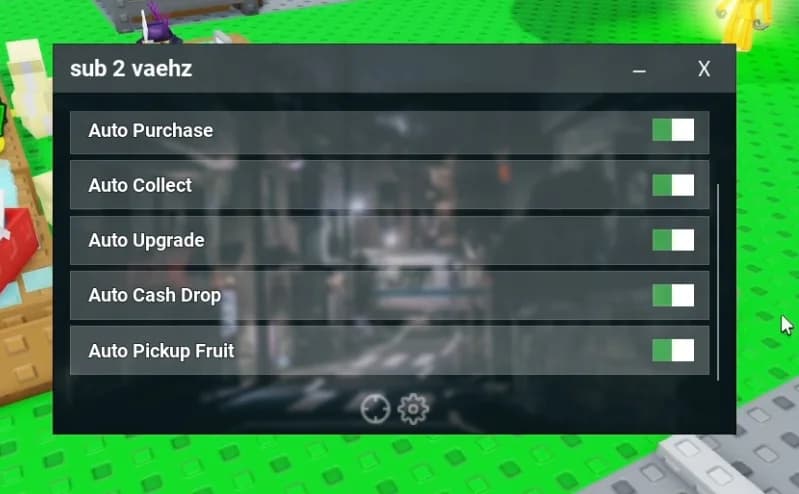
Script for most Roblox games, updated Jun 2024