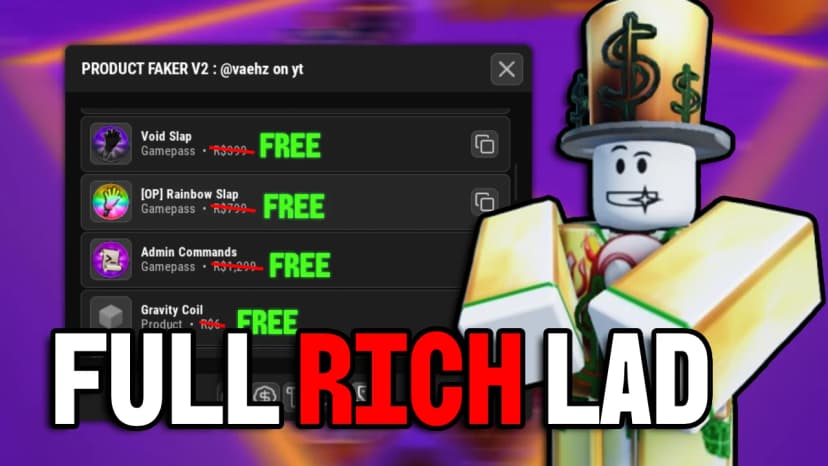
No keySafety checked
unknown Oct 3 9 views
Guide provided by Cilantrelle Features: Step 2. For Nvidia Users, there are three specific options you want to toggle, scroll down to "Nvidia Tweaks" and checkmark "Optimize Control Panel", "General Nvidia Optimizations", and "Disable Nvidia HDCP" (you can apply all the tweaks at once by clicking "Apply Selected Tweaks" but this sometimes fails and doesn't activate all tweaks so I recommend applying the tweaks one at a time by clicking "Apply this tweak"). For AMD Users (I haven't tested), I'd assume you would click "Optimize AMD Graphics" Step 3. At the top of the program, click "Games" and find Roblox, and click "Apply this Tweak"
Press Get Script to open the loadstring right away.
Copy the loadstring from the page that opens.
Join the game on Roblox, paste the loadstring into your executor and run it.