SOBER FFLAG EDITOR | COMMAND LINE TOOL | OPEN SOURCE
FREE · 15 views · Jun 29 · unknown

Script code is hidden until you finish Lockr.
Description
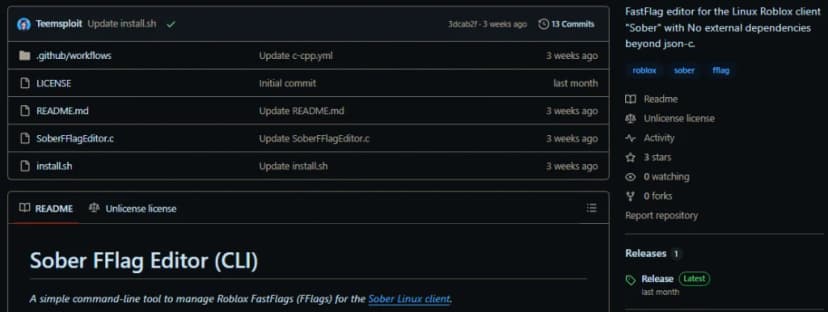
Open source command line tool for editing FFlags on the Sober Roblox Linux client.
Features
- ADD, REPLACE, OR REMOVE FFLAGS WITH EASE
- LIST CURRENT FFLAGS APPLIED TO SOBER
- FULLY COMPATIBLE WITH LINUX SYSTEMS
- LIGHTWEIGHT AND DEPENDS ONLY ON JSON-C
Related
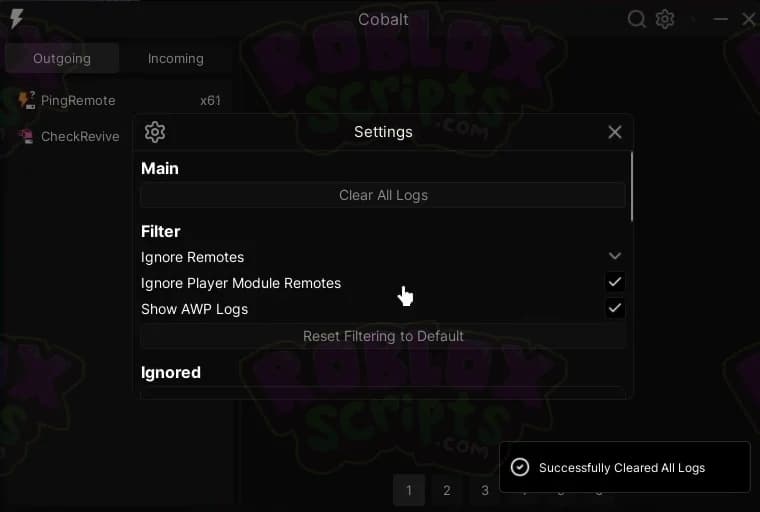
freeCobalt NEW #1 REMOTE SPY - ROBLOX NETWORK DEV TOOL - OPEN SOURCE MAY 2025
A new remote spy has finally popped up on the block and it's got some very nice features. This should be in every script developers arsenal of tools. [alert style="info"]DEV NOTES:
freeHOW TO BYPASS ROBLOX BANNING API AND ALT ACCOUNT DETECTION!
In today's article, I will be giving you step-by-step instructions on how to get around the new Roblox banning API and alt account detection system. Remember that this will not UNBAN any of the banned accounts caught by the banning API, but it will allow you to join the game again on a fresh account without being instantly banned. Whichever browser your on or whatever method you prefer you need to delete your Roblox cookies. Once you've deleted all your cookies refresh the page and you'll be signed out. Now you can move onto the next step. Next, you want to go to your Windows search bar and search for "%localappdata%", then press enter and load up the folder. Once you've loaded the folder up, you need to find and delete the "Roblox" folder. (If you use bloxstrap or fishstrap, then you'll need to delete these folders as well) After deleting the folder(s) you can now move onto the final step. This is the final step. Go to the below website and download the TMAC Spoofer: Once downloaded, launch it and it will look something like this: Click on "Change Now" and make sure you've selected the correct network connection (You can tell the correct one easily by checking the "link status" and seeing if it says "Up, Operational")
freeDISCONTINUED | OPEN SOURCE | ROBLOX SOBER CLIENT EXECUTOR/EXPLOIT | JUNE 2025
This is an executor that was developed to work on the Sober Linux Roblox client. It's been discontinued in an unfinished state and the source code is now available for anyone who wishes to learn from this.
freehectic sell lemons autofarm
if u wanna see the development of this script check out the video linked may not work on mobile, haven't tested, not sure
freeBEST SAVE INSTANCE SCRIPT FOR ROBLOX - SAVE ASSETS, DECOMPILE SCRIPTS & MORE! ANY ROBLOX GAME
This is the absolutely best way to save instance Roblox games. You can save entire maps, assets, decompile local scripts, bypass anti-decompilation measures and more with this epic save instance script that is fully open source.
freeHOW TO DOWNGRADE YOUR ROBLOX AND EXECUTE SCRIPTS AGAIN AFTER UPDATES!
Roblox updates once a week for those that don't already know. When this weekly update happens it will break every single executor as they also need to update (Which can take a few hours on average). If you can't wait then follow the below steps to downgrade your Roblox version and execute scripts again. Firstly download Bloxstrap from the below link. Then you must install Bloxstrap. Head over to the link below. You will need to find out what the previous version of Roblox was and to do this I suggest you join the below discord. At the time of writing this guide the previous roblox version is: version-d6abc3b106a04c5c so we need to copy the "d6abc3b106a04c5c" part. Copy the number part into the "Version Hash" box on the RDD website. Press "download" and this will download the old build of Roblox. Go to the below link and make sure you're on the LIVE channel. If you aren't on the live channel then CLICK HERE to follow the guide on how to get live channel. Go to your search bar and type %localappdata% then go to the "Bloxstrap" folder and go to "Versions". Here you will be able to find your Roblox versions that bloxstrap will use whenever you play Roblox. You need to open up the downgraded Roblox folder and copy everything into your Bloxstrap Roblox folder. You can now launch into Roblox from the web version and execute scripts again. THIS WILL NOT WORK FOREVER! Roblox will cut the connection to the previous builds after some time so enjoy executing scripts while you can. This guide is for anyone that really wants to keep executing for a short time after Roblox pushes an update.