No key
Avatar Simulator
Avatar Outfit Creator Codes (July 2024)
Script for Avatar Simulator, updated Jul 2024
Avatar Simulator TaskYield0 May 14 54 views
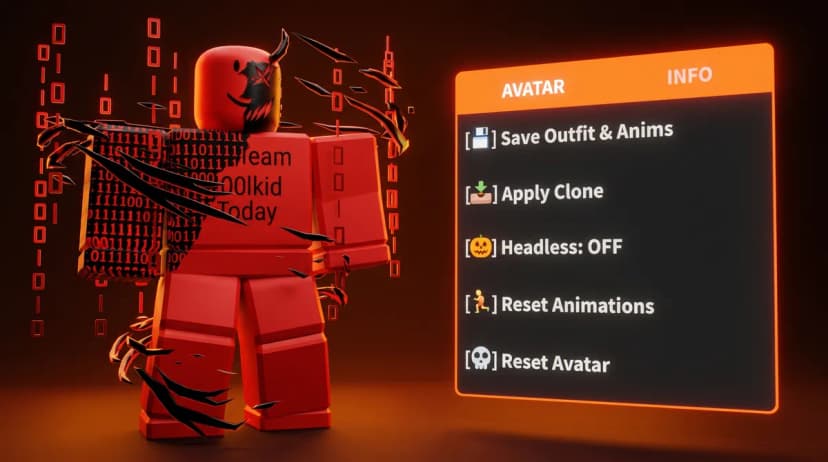
Key Features
💾 Save & Load: Extract your entire outfit (Accessories, Shirts, Pants, and Body Colors) and save them to a file.
🏃 Animation Support: Save and apply your custom animation sets automatically.
🎃 Fake Headless: Toggle a headless look on and off with one click.
🔄 Auto-Apply: Your saved outfit automatically reapplies when you respawn.
🖱️ Draggable UI: Clean, minimalist interface that stays out of your way.
⌨️ Toggle Key: Press Right Shift to hide/show the menu.
How to Use
Dress up your character exactly how you want.
Click [💾] Save Outfit & Anims to store the look.
Click [📥] Apply Clone to ensure it loads whenever you respawn.
Note: This script requires an executor that supports readfile and writefile functions to save your data.
Press Get Script to open the loadstring right away.
Copy the loadstring from the page that opens.
Join Avatar Simulator on Roblox, paste the loadstring into your executor and run it.
Avatar Simulator
Script for Avatar Simulator, updated Jul 2024
Avatar Simulator
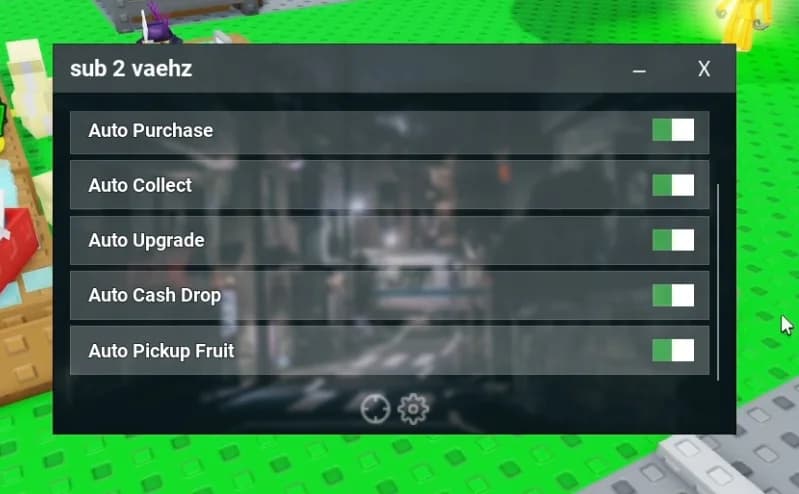
Auto Meditate, Auto Quest, Teleports
Avatar Simulator
Script for Avatar Simulator, updated Jan 2024